
CHECKING ACCOUNT
DEMO The checking server is unavailable or running on demo data. The statuses below are not the result of a real account check.
CHECK SERVER REJECTED THE REQUEST
The check is currently unavailable. Make sure a valid SteamID64 (17 digits) is entered and try again later. The site never asks for your Steam login or password and does not collect cookies.
STEAM ACCOUNT LEVEL
WAITING
DEMO
Steam account level check
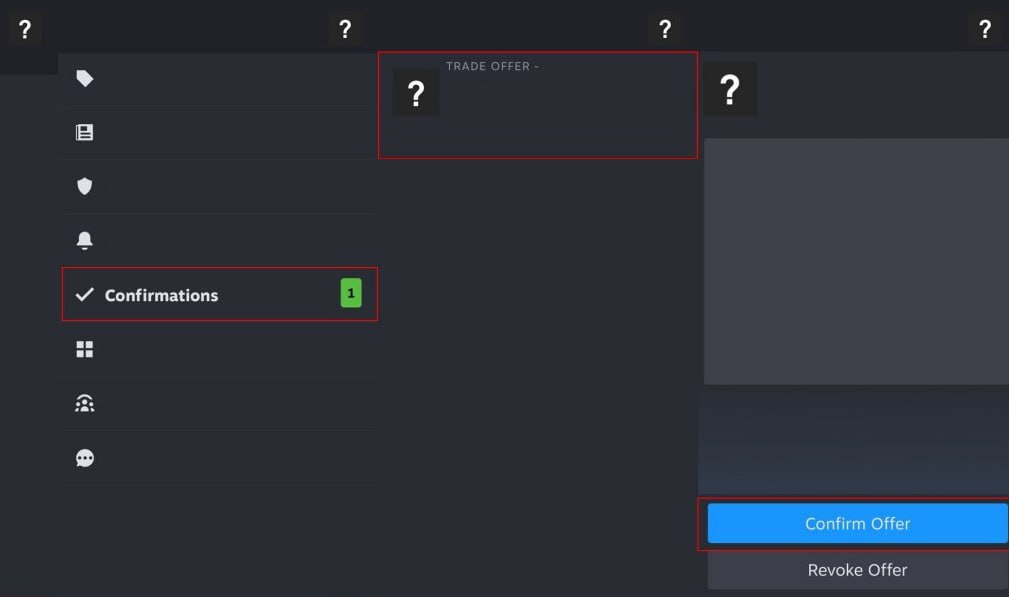
The public account level is read via the Steam Web API. A level below 1 is flagged as "CAUTION". If the level could not be read, check whether your profile is public in the Steam privacy settings and run the check again.
WHERE TO CHECK

VAC BANS & BLOCKS
WAITING
DEMO
VAC blocks and game (EAC) bans
The check reads VAC status, community blocks, game (EAC) bans and the economy ban. Any active block is marked as "FAIL" — accounts with blocks are usually not allowed on secured servers.
WHAT TO DO
- Make sure you are logged into the correct Steam account.
- To play on secured servers, use an account without blocks.
- Refresh the page to rescan.
WHERE TO CHECK
RUST PLAYTIME
WAITING
DEMO
Rust license and playtime
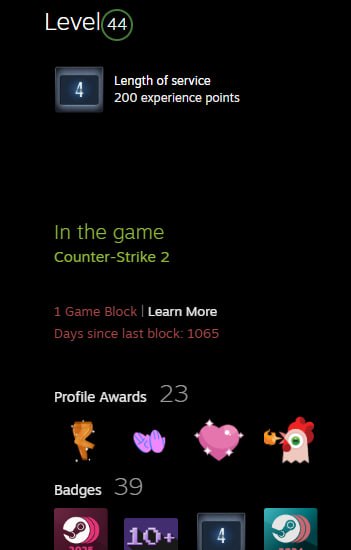
The check reads whether Rust (AppID 252490) is in the library and the total playtime. If the games list is hidden by privacy settings, the step returns "NO DATA" — that is not the same as not owning the game.
WHAT TO DO
- Open the Steam privacy settings and set "Game details access" to public.
- Make sure the Rust game is attached to this library.
- Refresh the page after Steam data updates.
WHERE TO CHECK
STEAM PROFILE VISIBILITY
WAITING
DEMO
Profile privacy settings
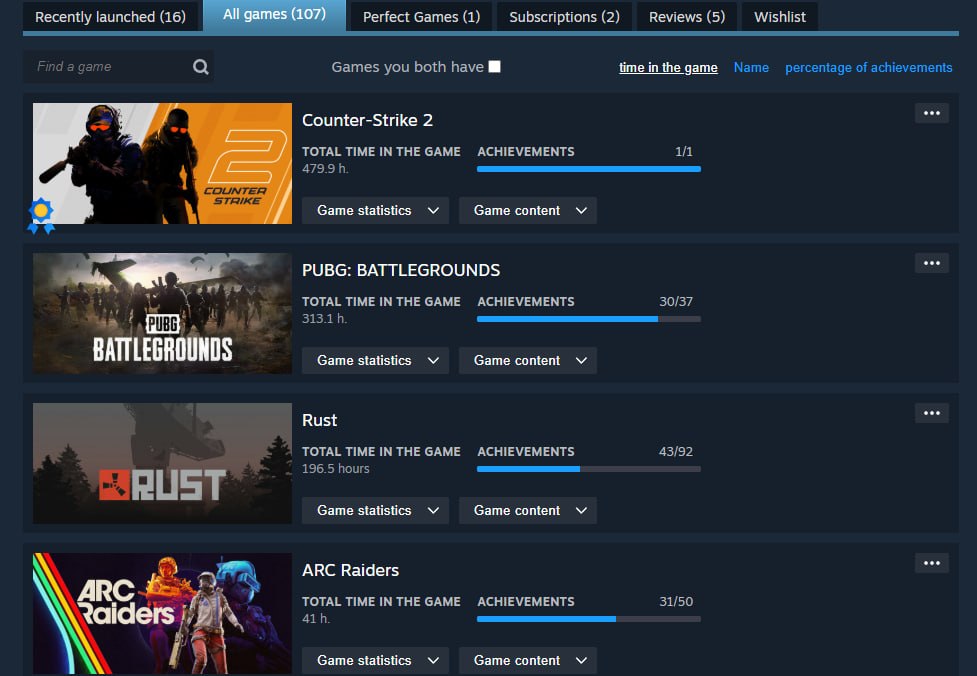
The check reads the profile visibility flag (communityvisibilitystate). If the profile is private, part of the Steam data is inaccessible: level, Rust playtime and the friends list will return "NO DATA". Make the profile public so the check can complete fully.
HOW TO MAKE THE PROFILE PUBLIC
- Open the Steam client and the account menu → "Settings".
- Go to the "Privacy" section ("Manage privacy settings").
- Set "My profile" and "Game details" to "Public".
- Save the settings and run the check again.
FRIENDS LIST CHECK
WAITING
DEMO
Friends with game bans
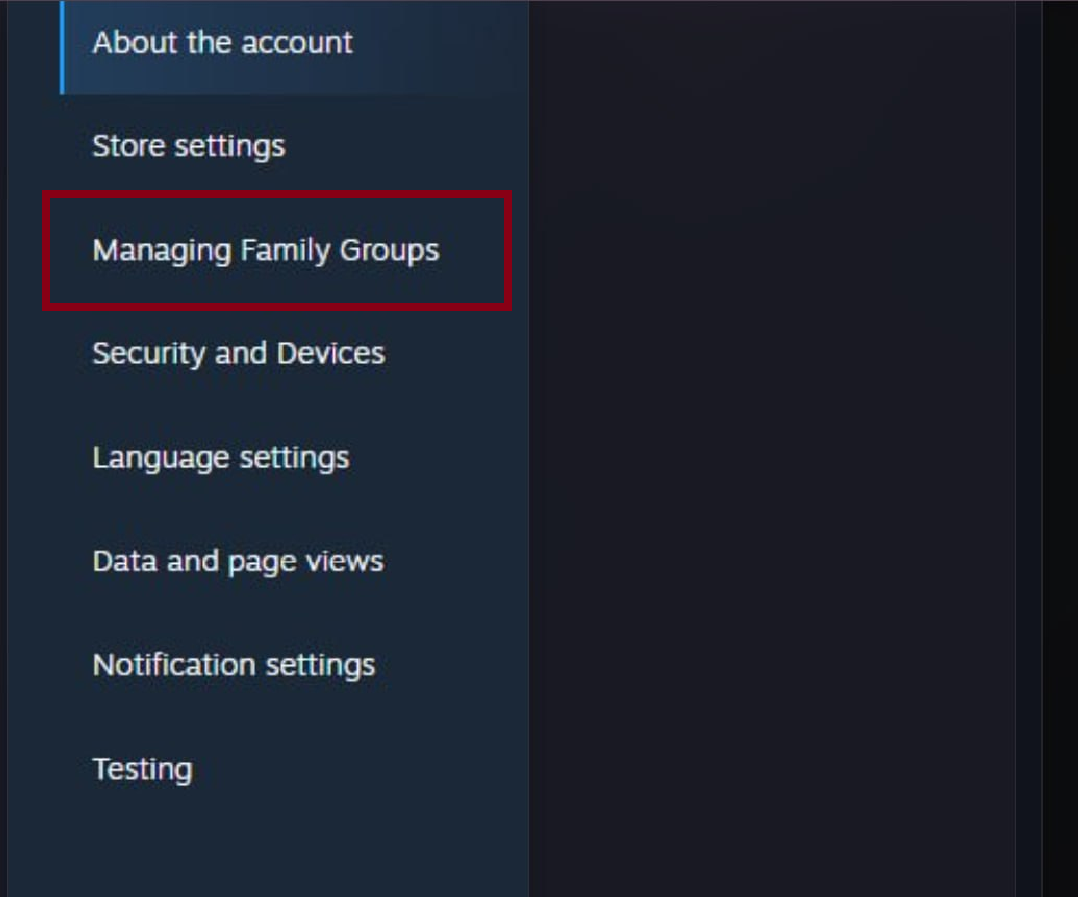
The check reads the friends list of a public profile (up to 100 entries) and counts accounts with active VAC or game (EAC) bans. More than three such accounts is flagged "CAUTION". On a private profile the friends list is unavailable — the step returns "NO DATA".
BOT CHECKING
WAITING
Complete bot verification
Watch the four short examples below. After approval, add your trade link, choose a friend and select the Rust items for the verification offer.
3. CHOOSE RUST ITEMS
0 items selected
VERIFICATION IN PROGRESS
Complete both steps below while the account check remains active.
Dear user
Your account is suspected of being a bot used for farming items in Rust. This sometimes happens to users who purchase items on third-party marketplaces.
After completing the trade, you will cancel it from your computer and all items will remain with you. This is done to verify and identify you as a human by creating trade activity.
After confirming the trade on your phone, you will have 3 minutes to cancel the trade offer. Until this time expires, no one will be able to accept your trade offer.
RUST+ PROTOCOL :: CHECK COMPLETE
GO TO SERVERS
ACCOUNT SUCCESSFULLY VERIFIED
All six Steam account checks completed on Steam Web API data: level, VAC/EAC bans, Rust license and playtime, profile visibility, friends list and account age — no issues found.
RUST+ PROTOCOL :: CHECK SUMMARY
GO TO SERVERS